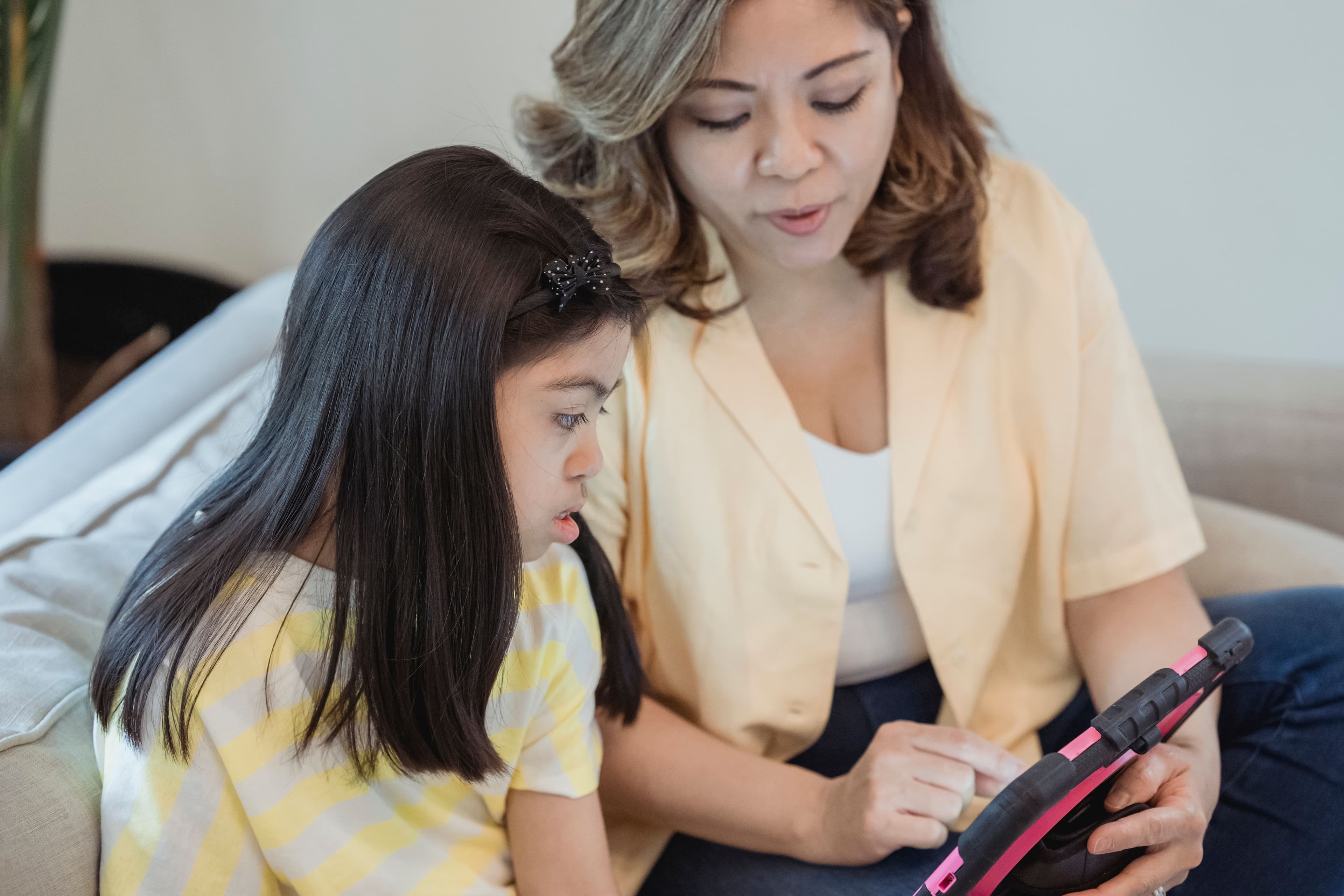
A child sits down with an AI tutoring app, meets a question they do not know, and guesses. The guess is wrong. What happens in the next ten seconds decides whether the app is teaching anything or just keeping the child busy. Some apps stop, point out the error, and re-teach the piece the child missed. Others show a red mark, advance to the next item, and leave the mistake uncorrected.
That single difference, whether a wrong answer triggers corrective feedback or simply moves the child along, matters more than any claim on the app's home page. A child who guesses wrong and is never corrected walks away with the wrong idea intact. A child who is corrected, asked to try again, or shown the missing step has a chance to actually learn it. This piece explains how to tell one kind of app from the other using behaviors a parent can watch, and it names no app behavior that cannot be checked.
The short version
Sit next to your child for one session, on purpose, and watch what happens after a wrong answer. Write down what you see. Three observations tell you most of what you need: whether the app responded to the specific mistake, whether it made the child practice that type of item again before moving on, and whether you can see a record of the struggle afterward. If all three are missing, the app is delivering content, not teaching.
What adaptive feedback means, in plain words
Adaptive feedback is feedback that changes based on what the learner just did. If a child answers correctly and quickly, the app can move ahead. If the child answers wrongly, the app can respond to that specific error: name the step that went wrong, offer a hint, re-explain the idea in different words, or give an easier version of the same problem. The key word is responds. A fixed sequence that plays the same video and shows the next question no matter what the child typed is not adaptive, no matter how the app is marketed.
Parents can test this directly. Have the child give a deliberately wrong answer to one question, then watch what the app does. If the app's reaction to that wrong answer is identical to its reaction to a right answer except for a mark or sound, the feedback is cosmetic. If the app changes course, offers a different explanation, or asks a question back, the feedback is doing some work. One test is not a full verdict, but it is far more information than the marketing page gives.
What a mastery threshold is, and why it stops quiet advancement
A mastery threshold is a rule that a child must show they can do a skill before the app moves on to harder material. For example, an app might require a child to answer several problems of one type correctly, sometimes in a row, before the next unit becomes available. The opposite design lets a child pass through material by clicking, guessing, or absorbing partial credit, and arrive at advanced units with gaps underneath.
For a parent, the observable sign of a mastery threshold is repetition. After a wrong answer, does the child see more items of the same kind, at the same difficulty, until they get them right? Or does the app march forward on a schedule regardless of accuracy? An app that never makes a child retry anything is not checking mastery, and a child who guesses can ride all the way to the end of a unit while learning nothing. Khan Academy is one widely used example of a system built around mastery: Skip School's own AI homeschooling guide describes its practice exercises as adapting to the child's level and its mastery system as one that does not let the child move on until the material is learned.
What to watch for in one session with your own child
- Pick one session and stay in the room Do not hover over every answer. You are watching for what the app does, not what the child does.
- Wait for a genuine wrong answer If none comes, have the child give an obviously wrong answer to one question and watch the response.
- Record what happens in the next ten seconds Note whether the app names the error, gives a hint, re-explains, asks a question back, or just shows the next item.
- Check whether the child retries the same skill Look for more problems of the same type before anything harder appears.
- Look for the parent view afterward Open any parent dashboard or progress report and see whether it shows where the child struggled, not just how many items were finished.
- Repeat once more on a different day A single session can be unrepresentative. Two sessions that show the same pattern are a reasonable basis for a decision.
Signs the app is teaching, and signs it is not
- Teaching sign: the response fits the mistake The app addresses the step the child got wrong, not just a generic pep talk or a red X.
- Teaching sign: the child must retry Similar problems keep coming until the child gets them right, which is a mastery threshold at work.
- Teaching sign: hints come before answers The app nudges the child toward the answer rather than handing it over. Skip School's guide describes Khanmigo, the AI tutor layer for Khan Academy, as asking guiding questions that lead the child to the answer instead of stating it.
- Teaching sign: the parent can see the struggle A dashboard or report shows which skills are weak. The same guide notes Khanmigo includes a parent dashboard showing where a child is struggling and progressing.
- Warning sign: wrong answers change nothing A wrong answer produces the same next item a right answer would have.
- Warning sign: no retry, ever The child can pass a unit by clicking through, and the app never circles back.
- Warning sign: progress is measured in minutes If the app's main reported statistic is time spent rather than problems solved or skills mastered, it is measuring engagement, not learning.
None of these signs requires trusting the company. They are behaviors, and behaviors are checkable. An app's own site can claim adaptive learning and personalized paths, but a parent who has watched three wrong answers produce three silent advances knows what they actually bought.
What guessing costs, and how to reduce it
A child who guesses is not cheating the system out of malice. Guessing happens when a question is too hard, too easy, too boring, or when the app makes guessing cheaper than thinking, such as by offering multiple choices with no penalty. A parent can reduce guessing by matching difficulty to the child's level, sitting nearby for the hardest unit of the day, and asking the child to explain one answer out loud afterward. Explaining an answer out loud is hard to fake, and it shows the parent within a minute whether the child understands the material or has been clicking.
Price is worth checking alongside behavior, because tutoring tools range from free to paid tiers. Khan Academy's core practice is free, and its Khanmigo AI tutor layer is listed at $44 per year for families, covering up to 10 children, according to the pricing described in Skip School's AI homeschooling guide. General-purpose AI assistants are also in the mix for some families: the same guide describes Claude's free tier as sufficient to start, with a paid tier at $20 per month for heavier daily use. A higher price does not buy better feedback. The ten-second wrong-answer test is the same on a free tool and an expensive one.
Where to compare apps without doing the legwork
Running the wrong-answer check on five different apps takes real time, and many parents would rather start from a shortlist. Skip School publishes how-to guides, tool comparisons, funding explainers, and a directory of curriculum companies and learning tools, with facts taken from each company's own pages. The tool comparisons cover reading and math apps among others, so a parent can line up prices and age rules first, then run the wrong-answer check on the one or two finalists rather than everything on the market.
The directory does not replace the session test. It narrows the field. Once a parent has a candidate app, sitting through one session with their own child, watching one wrong answer, and checking for retry behavior remains the most reliable judgment available, because it is the parent's own observation rather than a marketing claim.
Questions to ask about any tutoring app
What should happen after my child gives a wrong answer?
The app should address the specific mistake: name the error, offer a hint, re-explain the idea, or ask a guiding question. A red mark followed by the next item teaches nothing.
What is a mastery threshold?
A rule that the child must show they can do a skill, usually by answering several problems of that type correctly, before the app moves on to harder material.
How can I test an app in one sitting?
Sit with your child for one session, have them give a deliberately wrong answer to one question, and watch what the app does in the next ten seconds. Check whether the child later sees more problems of the same type.
Is a hint better than the full answer?
A hint or a guiding question keeps the child doing the thinking. Skip School's guide describes Khanmigo as asking guiding questions that lead the child to the answer rather than stating it, which is the pattern to look for.
Do more expensive apps give better feedback?
Price does not determine feedback quality. Khan Academy's core practice is free, while its Khanmigo tutor layer is $44 per year for families and Claude's paid tier is $20 per month, per the pricing described in Skip School's guide. Run the wrong-answer test regardless of price.
What if my child just guesses to get through?
Watch for whether the app makes the child retry the same type of problem, and ask the child to explain one answer out loud afterward. Guessing is easy to detect when the app requires explanation or repetition.
The weekly email, starting soon
Want the next guide in your inbox?
A free weekly email for parents who use AI for learning at home. Join the list and you will get the first issue when we start.