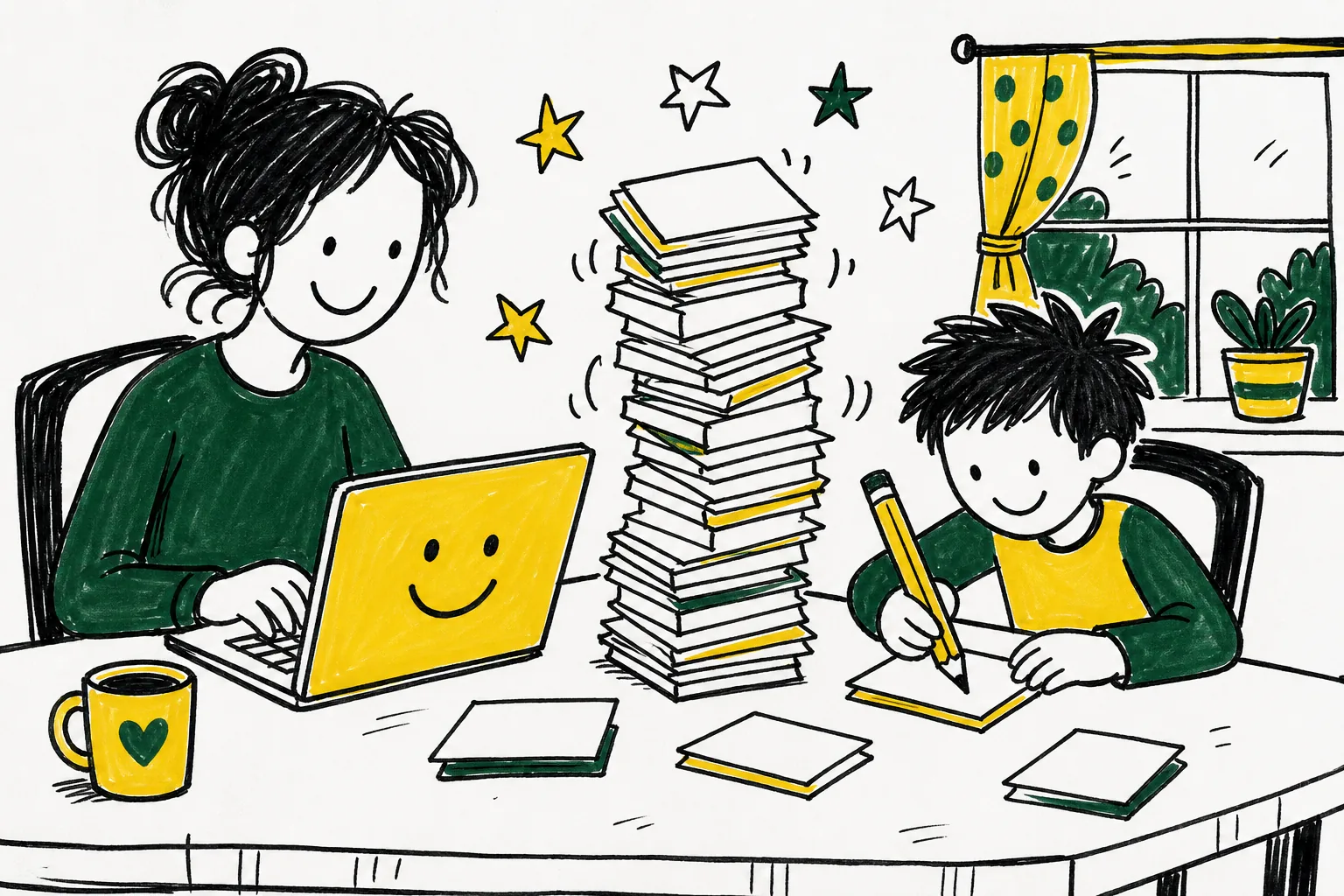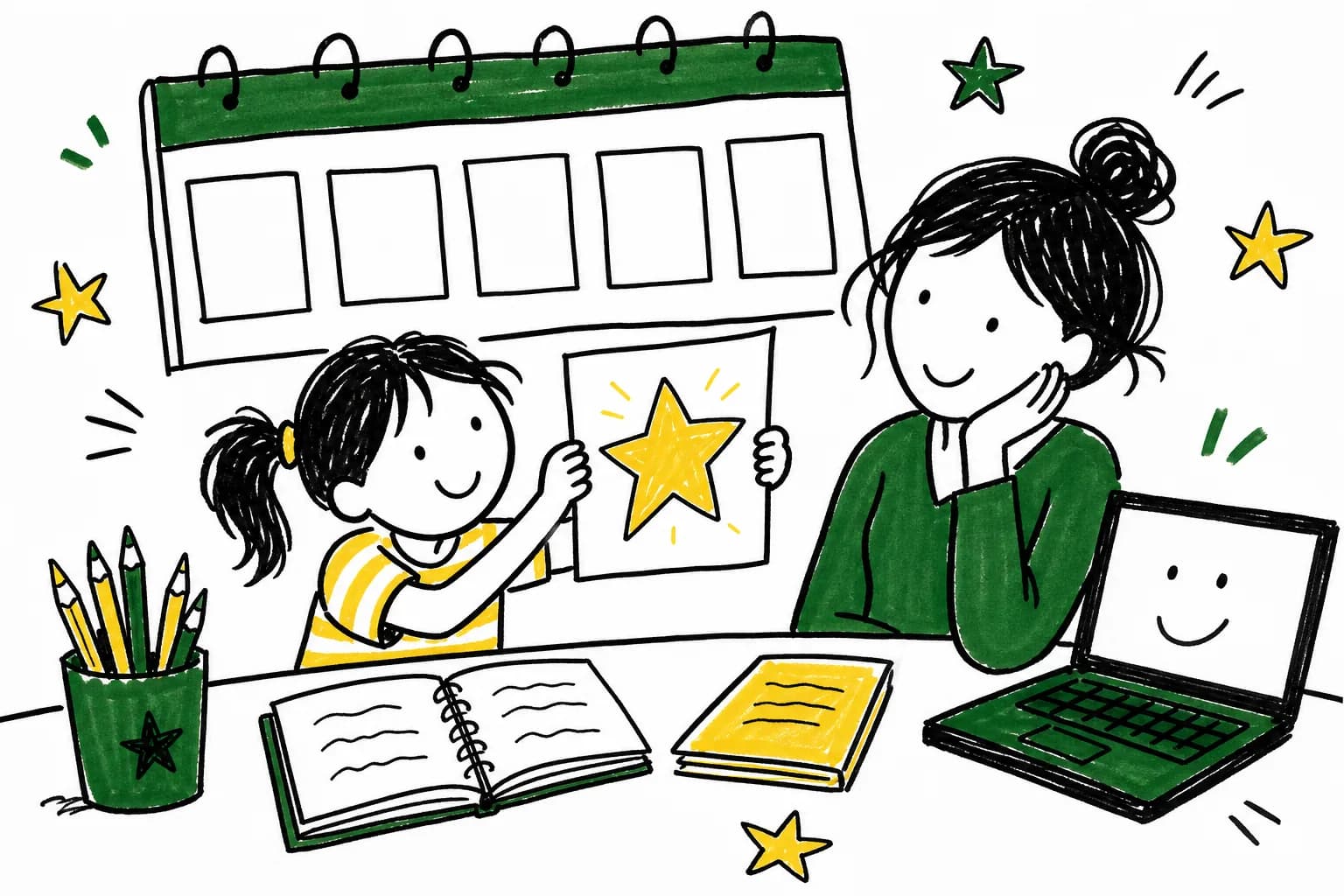
The best first week with AI is a small one: one assistant, one subject, and a parent in the room. Use the plan below as a starting point and change the pace to fit your child.
This plan is general advice built from the providers' own published terms. It is not a record of any one family's week, and you can stretch it over two weeks if that suits you better.
What do I need before day one?
You need a parent email address, a device, and about 20 minutes a day. Pick one assistant, not three. This guide uses Claude as the worked example because its terms and help pages are public and easy to read, but the same steps apply to any assistant.
- Day 1: Pick one assistant and set up the account under your name Choose a single assistant. For Claude, the free version is available by signing up at claude.ai with an email address. Use your own email, since the account is yours and your child uses it with you.
- Day 2: Read the age rules and the privacy settings Read the provider's terms before your child touches it. Anthropic's consumer terms say users must be at least 18. Then open the privacy settings and decide whether your chats may be used to improve the model, and learn how to start a private chat.
- Day 3: Try it on one subject Pick the subject that costs you the most planning time. Ask for a one-page explanation or a short set of practice questions at your child's level, and read it yourself first.
- Day 4: Write a first real prompt Give the assistant context: your child's age or grade, the topic, how long you have, and the format you want. Then ask a follow-up such as "make it simpler" or "add two hands-on activities."
- Day 5: Check its answers Pick three claims from the output and confirm them in a textbook or a trusted reference. Have your child do some of the checking with you.
- Day 6: Set house rules Write down three or four rules: who is present, which subjects are allowed, what personal details never go in, and that answers get checked.
- Day 7: Review the week Ask what saved time, what was wrong, and what your child enjoyed. Keep what worked, drop the rest, and choose one thing to try next week.
Why should the parent hold the account?
Anthropic's consumer terms say users must be at least 18, or older where local law sets a higher age for consent. OpenAI's terms set a minimum age of 13 for ChatGPT and require a parent or guardian's permission under 18. A parent-held account fits both rules, and it puts you in charge of the settings. Other assistants have their own age rules, so read the terms of whichever one you choose.
 Keep readingHow to Use AI for Learning at Home: A Complete Guide for ParentsThe best way to use AI for learning at home is as a helper the parent directs: it can draft plans, explain ideas, make practice questions and give feedback, while the parent decides what is taught an…
How do I know if the assistant is wrong?
You cannot tell by how confident it sounds. Anthropic's terms say outputs may not always be accurate and that you should not rely on them without independently confirming their accuracy. Treat every answer as a draft.
- Check a sample. Verify two or three facts or math steps against a trusted source.
- Ask for the reasoning. A wrong answer often falls apart when you ask it to show its steps.
- Use your own judgment. If something sounds off for your child's level, it probably is.
What should the house rules say?
Keep them short enough to remember. Rules you can state in one breath are the ones children follow.
- 1A parent is present while a child uses the assistant.
- 2No full names, addresses, school names, or photos go into a chat.
- 3Every answer gets checked before it goes in a notebook.
- 4The assistant helps with ideas and practice, and your child still does the thinking.
The privacy rule has a basis in how the tools work. Anthropic says it uses chats to improve its models if you choose to allow it, and that Incognito chats are not used for that. Check the setting your assistant offers.
Is there a free option for practice?
Yes, for practice that needs no AI at all. Khan Academy describes itself as a free tool for anyone, students, teachers, and parents alike, and says it is a 501(c)(3) nonprofit. A parent who wants a steady practice routine alongside the assistant may prefer it for that. Khan Academy also offers Khanmigo, an AI tutor, which its page says requires a monthly or annual payment for parents and learners.
What comes after week one?
Repeat the cycle with one new subject at a time. Keep a note of the prompts that worked so you can reuse them, and drop any habit that takes more time than it saves. The goal is less planning for you and more time spent teaching and talking with your child.
Can my child sign up for an AI assistant on their own?
Not for Claude: its terms require users to be at least 18. ChatGPT's terms allow ages 13 and up with a parent or guardian's permission under 18. Check the terms of any assistant before your child uses it.
Is there a free plan?
Claude has a free version you can sign up for at claude.ai with an email address, checked October 8, 2026. Features and limits can change, so read the current plan page.
Can AI assistants get things wrong?
Yes. Anthropic's terms say outputs may not always be accurate and should be independently confirmed. Check a sample of every answer.
Is my chat history used to train the model?
For Claude, chats are used to improve models if you choose to allow it, and Incognito chats are not used. Review the Privacy Settings after signing up.
Is Khan Academy free?
Khan Academy describes itself as a free tool for students, teachers, and parents. Its Khanmigo AI tutor is a separate paid option per its own page.
The weekly email, starting soon
Want the next guide in your inbox?
A free weekly email for parents who use AI for learning at home. Join the list and you will get the first issue when we start.